Your money,
finally clear.
Say it, snap it, or tap it. Nola sorts every expense into your categories and keeps your budget up to date.
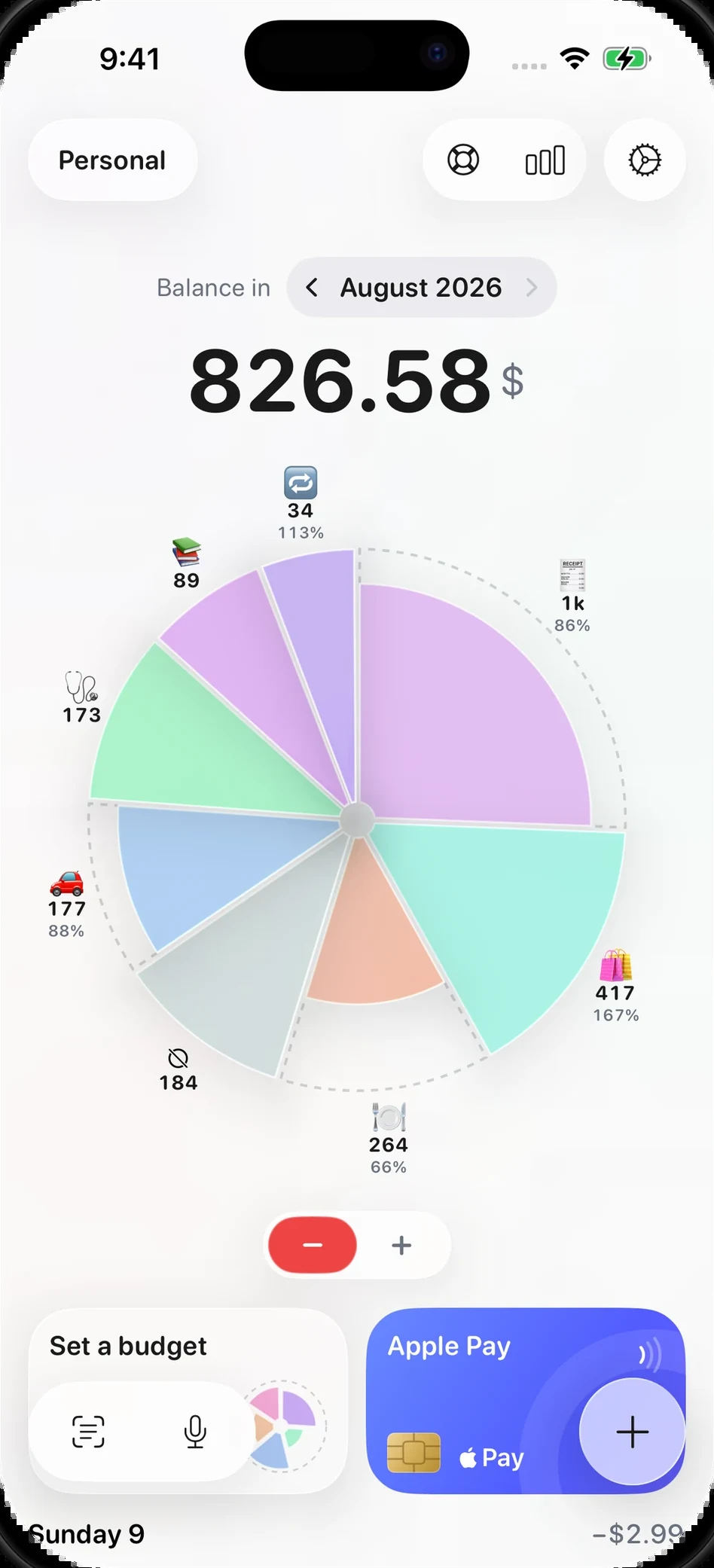
Never type an expense again.
Use your voice
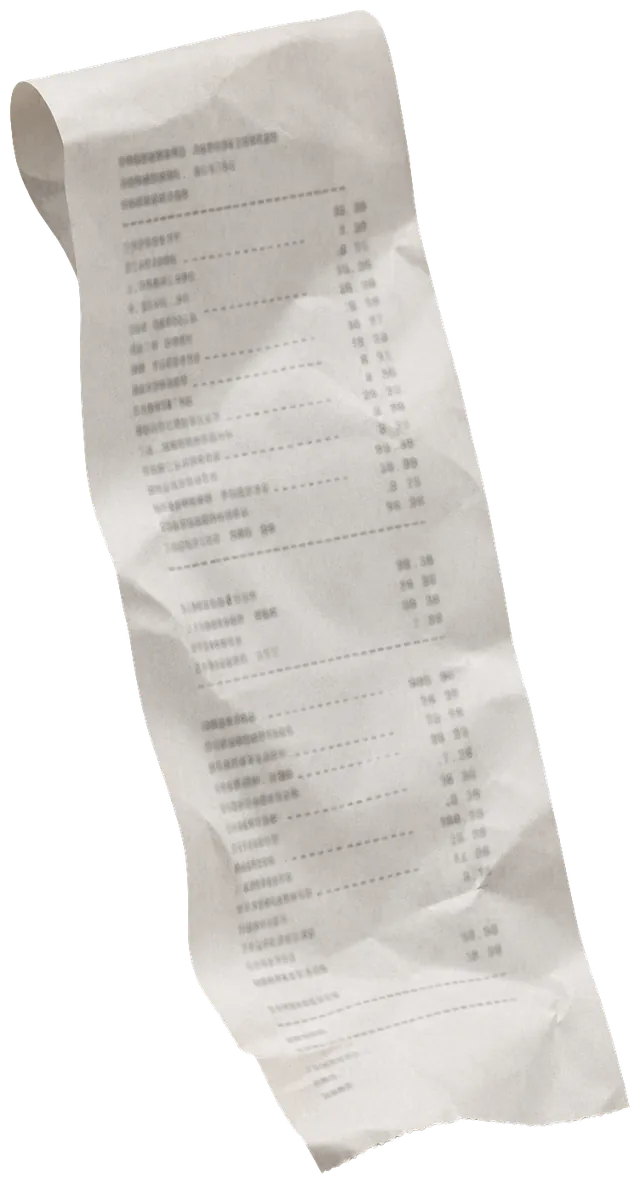
Snap a receipt
Apple Pay & Siri
Pay like always. Siri hands the charge to Nola and it lands already categorized.
From your Lock Screen
Or just tap it in
Amount, category, currency, and repeat on one screen.
Smart currency
Spend in yen, euros, or pesos. Everything converts to your home currency on its own.







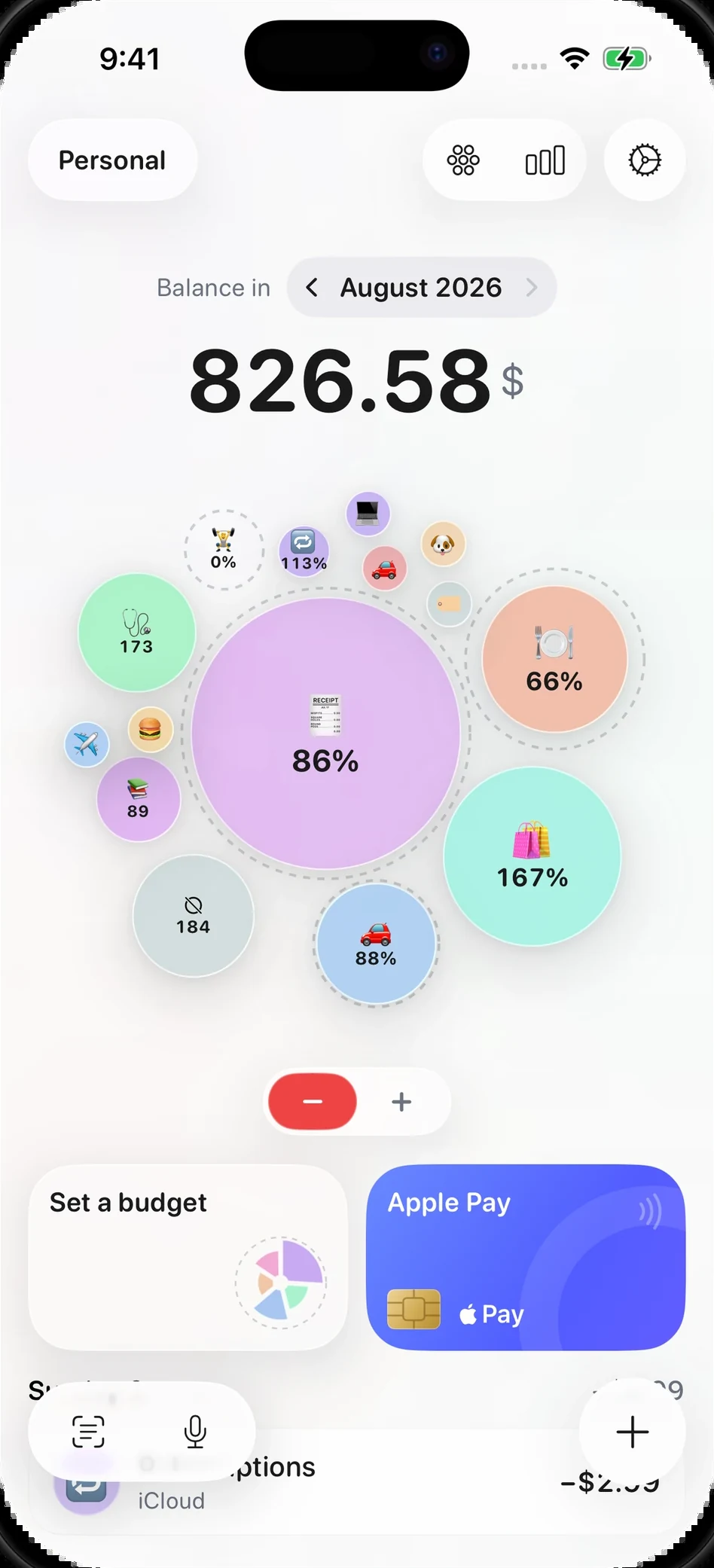
See where it all went
Wheels, bubbles, and budgets per category. Hidden costs stop hiding.
🍔🔁
🚗🔁
🎁🔁
🐶🔁
Set recurring expenses
Rent, insurance, subscriptions. Logged every cycle without you.
👩🧔👧
Share with anyone
Family, roommates, or partner. One QR code and you track together.